
How SportzCal Works: An AFL Fan's Walkthrough (With Real Screenshots)
August 2, 2026
The easiest way to understand what SportzCal actually does is to see it sitting in a real calendar, next to real life — the bin night, the dentist appointment, the ordinary week. So that's exactly what this walkthrough shows: genuine screenshots from a Geelong supporter's own phone, with the Cats' fixtures living right alongside everything else.
No mockups, no marketing gloss — just what your calendar looks like once your team's season is in it.
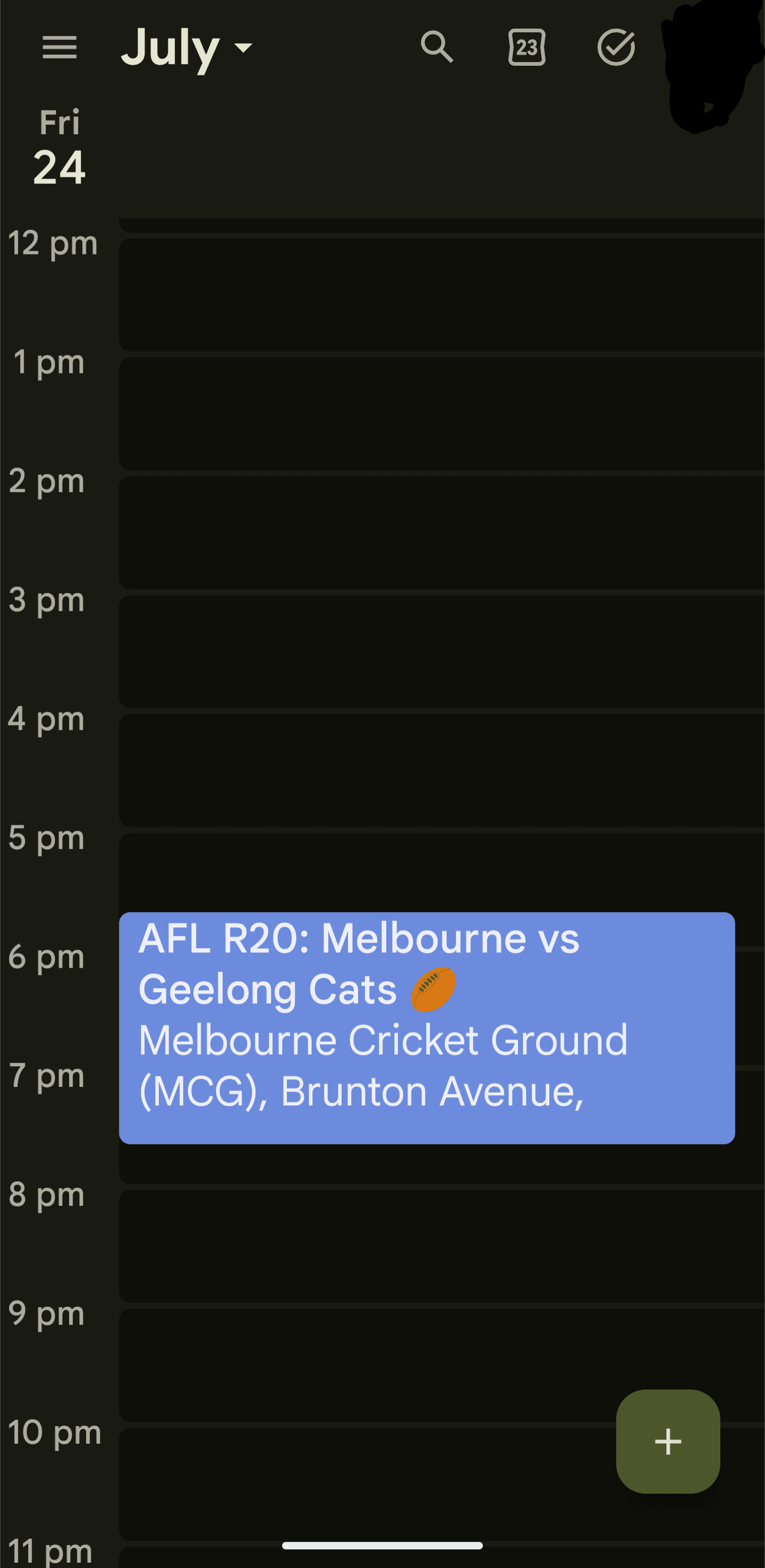
Here's a single day, Friday the 24th — Round 20, Melbourne vs Geelong Cats at the MCG. Because it's the detailed single-day view, it also shows the venue the game is being played at: Melbourne Cricket Ground (MCG), right down to the start of the address. So you're not only told when the game is in your time, you're told exactly where it's happening.
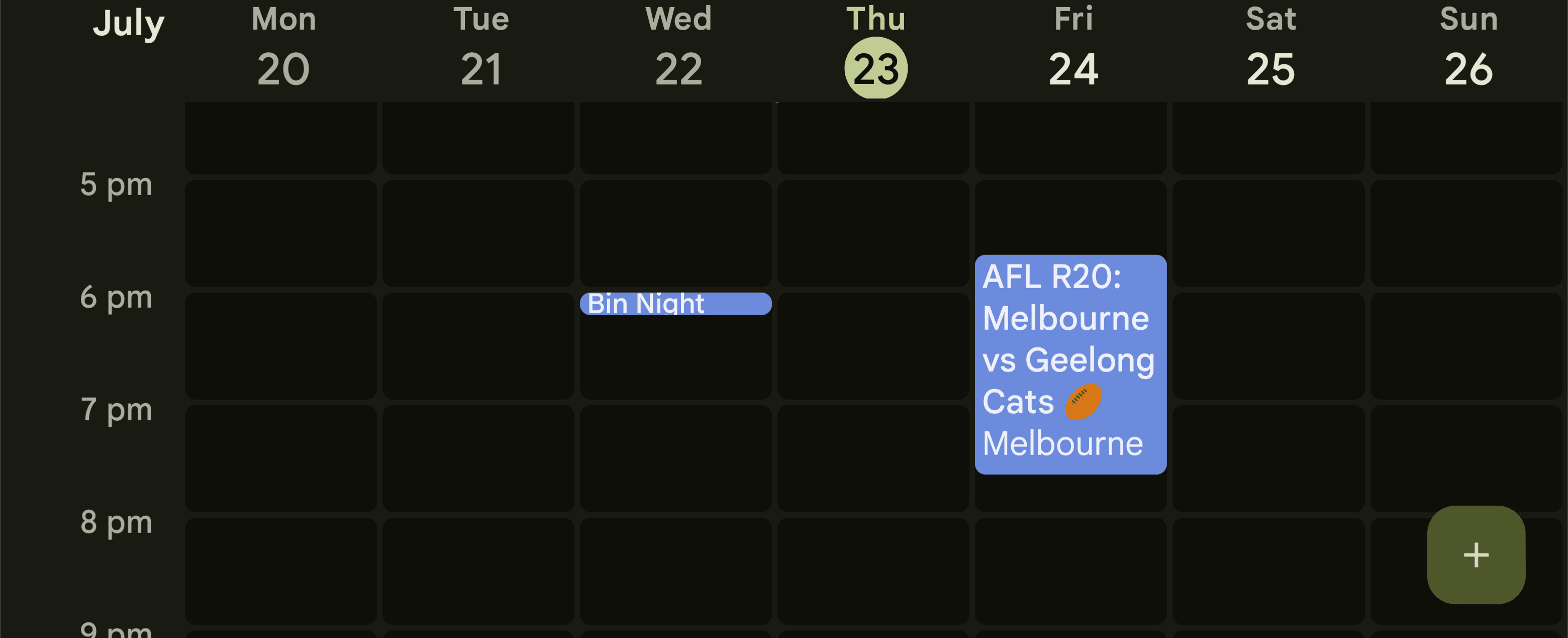
Zoom out to the week and you can see how naturally the football sits alongside everything else. There's 'Bin Night' on the Wednesday, and there's the football on the Friday — Round 20, Melbourne vs Geelong Cats. No separate app, no second calendar to check. It's just another block in the week, exactly where you'd look for it.
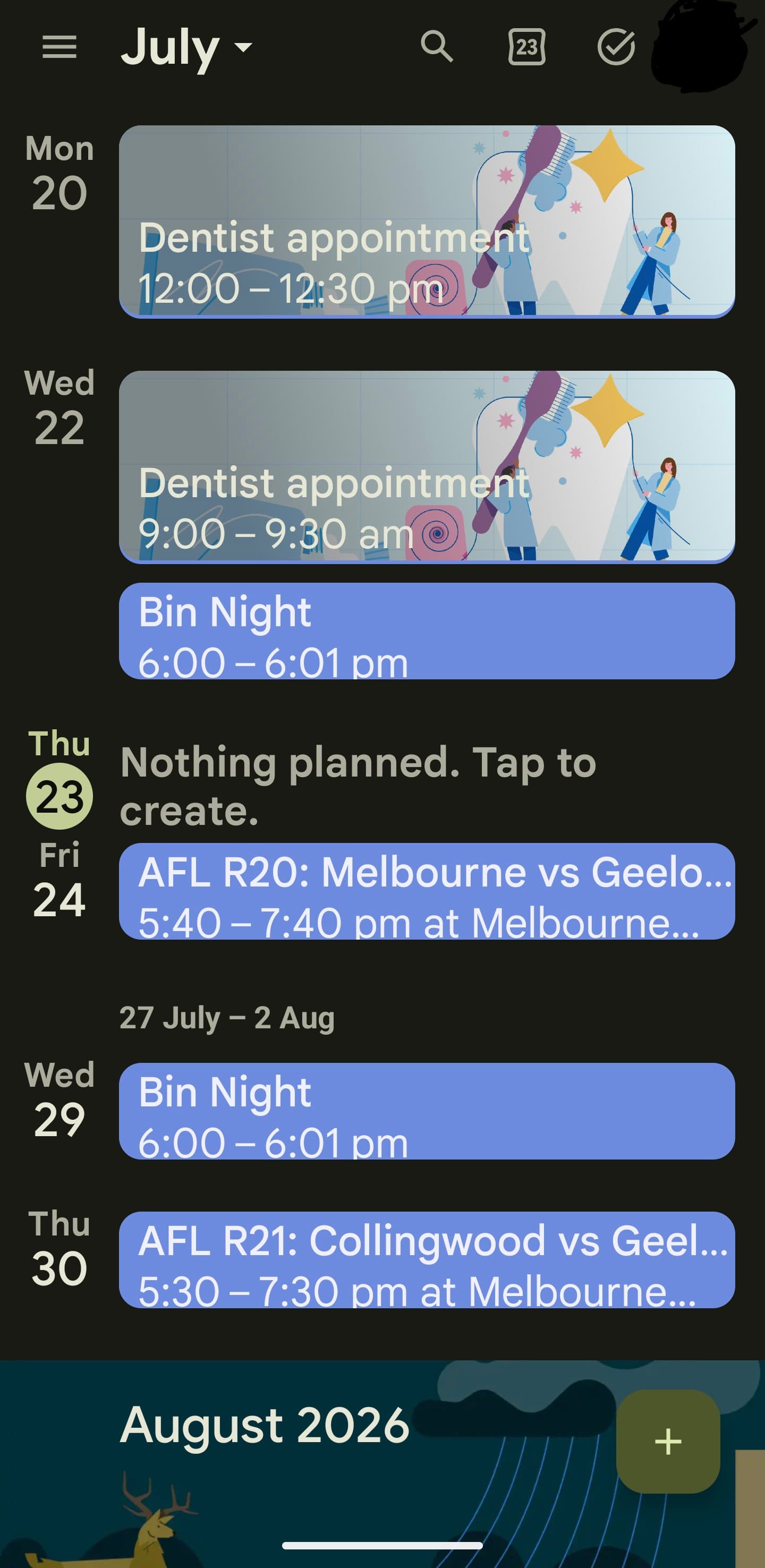
Pull back further to the month and the picture gets even clearer. There's a dentist appointment on the 20th at noon, another on the 22nd at 9am, Bin Night doing its weekly rounds — and threaded through it all, the footy. Round 20, Melbourne vs Geelong Cats, Friday the 24th at 5:40–7:40pm. Round 21, Collingwood vs Geelong, the following Thursday at 5:30–7:30pm.
This is what people mean when they say a calendar should just work. You don't keep a separate list of game times in your head, or a browser tab open on the fixture list. Your team's season simply becomes part of the same month you're already looking at — the appointments, the chores, and the Cats, all in one place.
That's the entire product, really. You pick your AFL team, you tell SportzCal what timezone you're in, and you download a calendar file. Import it once, and your team's whole season lands in Apple Calendar, Google Calendar, or Outlook — every game converted to your local time, sitting alongside everything else in your week. Each game brings a reminder two hours before and ten minutes before the first bounce, so a match never sneaks past you.
For a Geelong supporter — or any AFL fan following their club from interstate or overseas — that's the difference between constantly second-guessing kickoff times and simply glancing at the calendar you already check every day. The football's just there, in your time, ready.
Pick your team, set your timezone, and download your season for a one-time $2.99. Bin night not included.
Browse leagues & download your schedule